
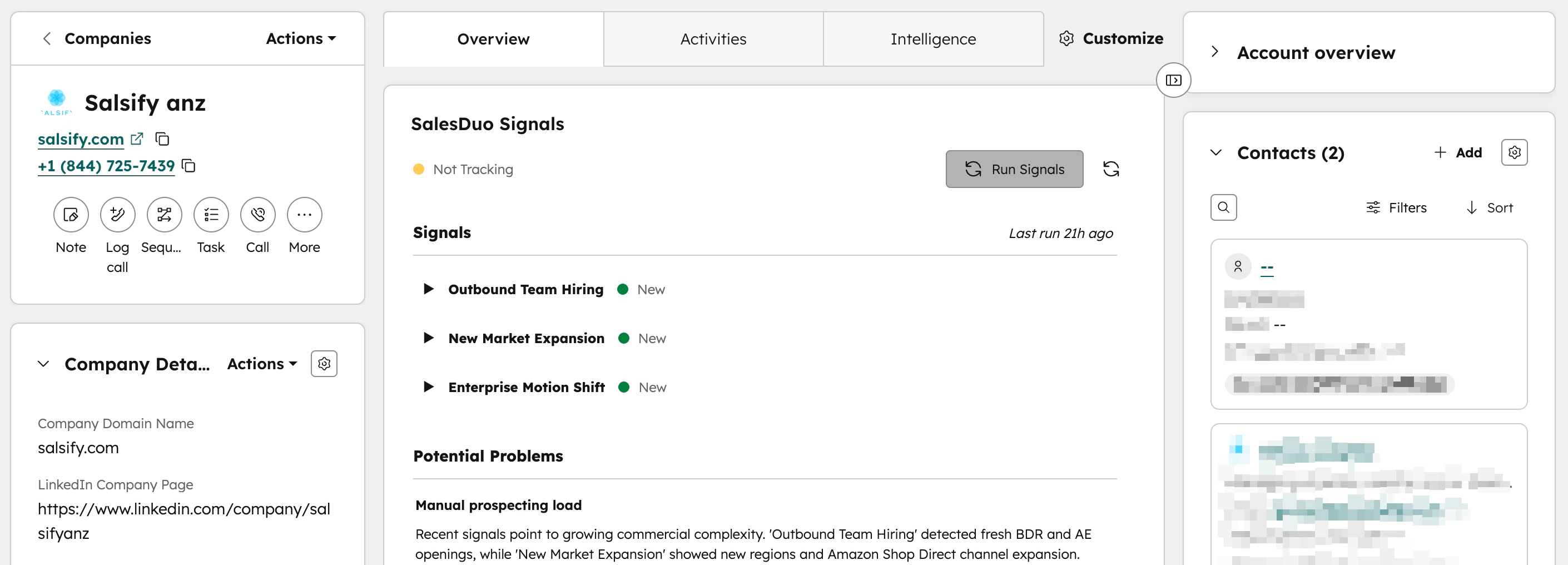
Instructions
- Go to Settings at the top bar
- Scroll down on the left sidebar to find Data Management > Objects > Companies
- In the Companies pane, click on Record Customization
- Click into Default view (you can choose to create a new team view)
- Under the Edit Layout tab in Company record page, hover between the section and click on Add Card
- In the side panel, click on Card library tab > search SalesDuo Signals> click +Add card
For Visual Learners