
Instructions
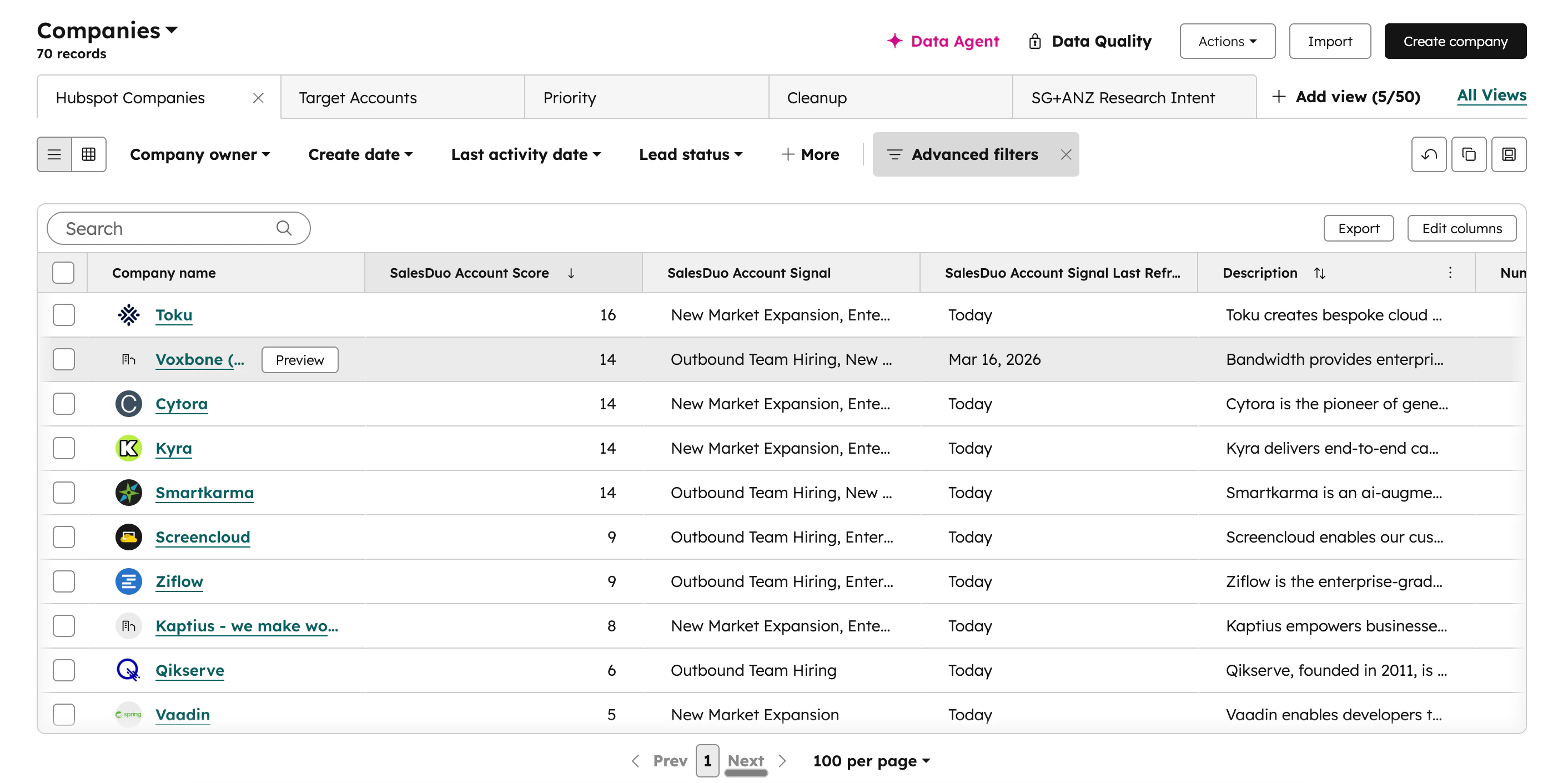
- Go to Companies on the sidebar
- Click on Edit columns on the top right of the table (create a new view if you prefer)
- Search
SalesDuoin the search bar - Add SalesDuo Account Signals, SalesDuo Account Score, SalesDuo Account Signal Last Refreshed to selected columns (Ideally, move to top)
- For prioritisation, sort by SalesDuo Account Score, descending, from highest to lowest
- Hit Save in the top right of the table
For Visual Learners